
LekhaScan
Bangla & English document scanner
বাংলা ও ইংরেজি ডকুমেন্ট স্ক্যানার
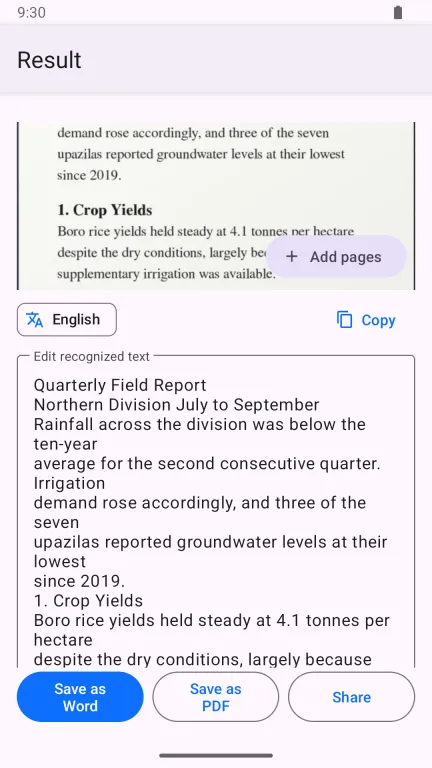
Turns a photo of a printed page into text you can edit, and into a PDF or Word file you can send. Recognition runs on your phone, works without internet, and your pages never get a watermark.
Why I built it
My father used to turn paper documents into Word files by hand: he photographed every page, ran each photo through an OCR tool one at a time, and pasted the results together into a document.
LekhaScan is the app I wanted him to have: photograph the pages, and get one combined file back — no extra steps, no watermark, no account. It started as his tool; it is on Google Play so anyone with the same chore can use it too.
Built for Bangla
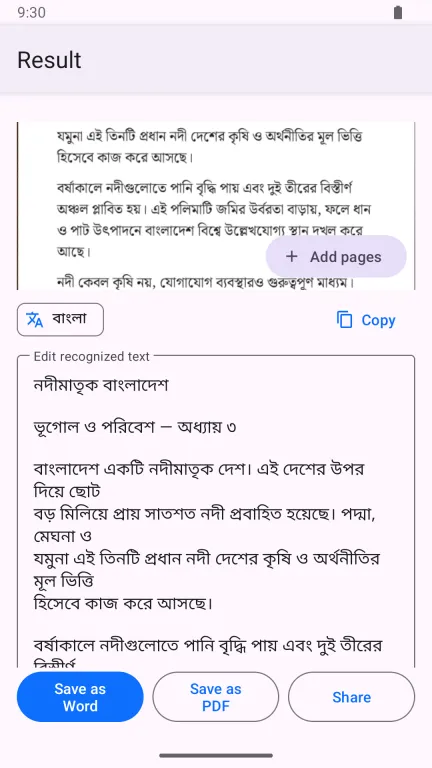
Neural recognition models trained for Bangla script, which also keep the English words, numbers, phone numbers and email addresses inside Bangla sentences intact.
Stays on your phone
Bangla and English recognition are built in, so scanning works offline. Photos and the text read from them are never uploaded. No account, no sign-up.
No watermark
Free and supported by ads. No stamp across your page and no "upgrade to remove" message.
What you can do
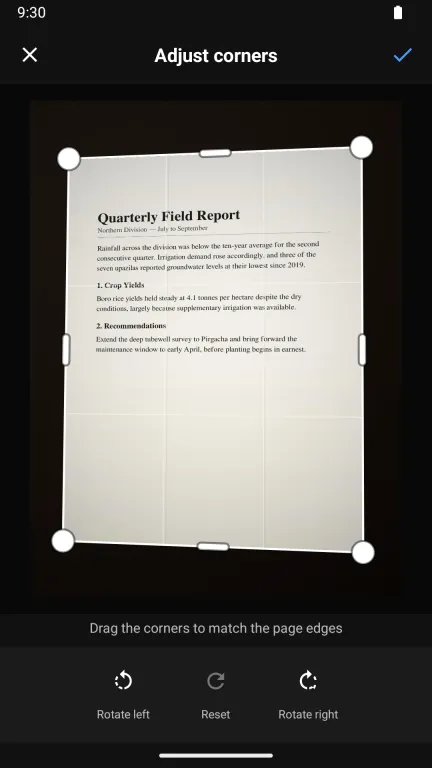
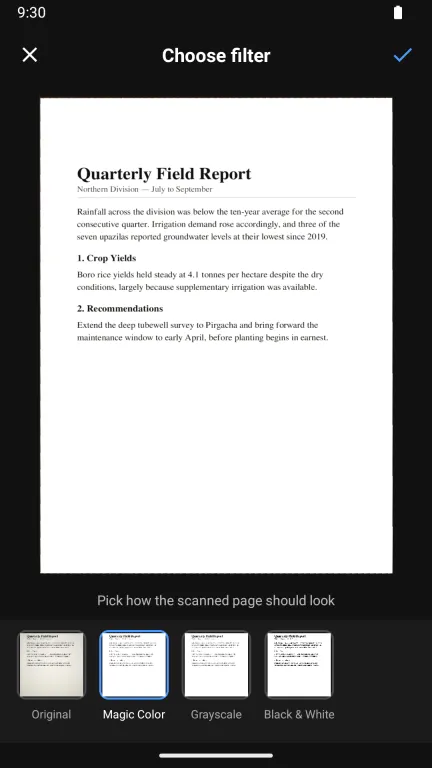
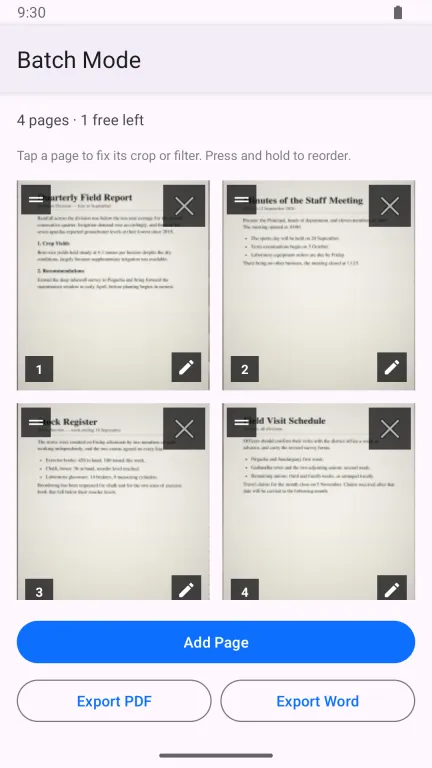
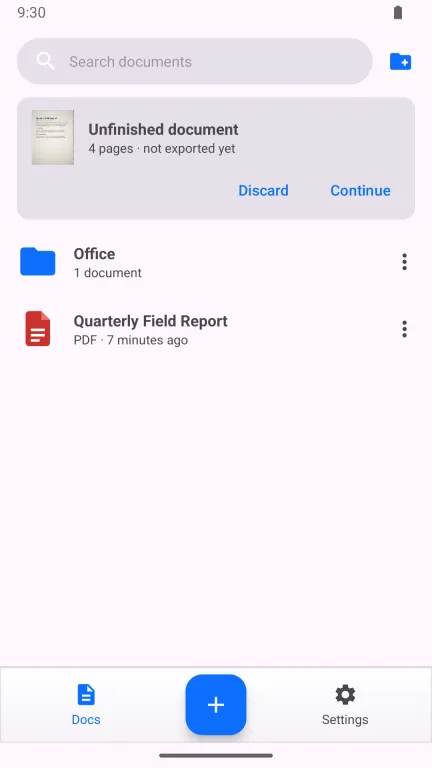
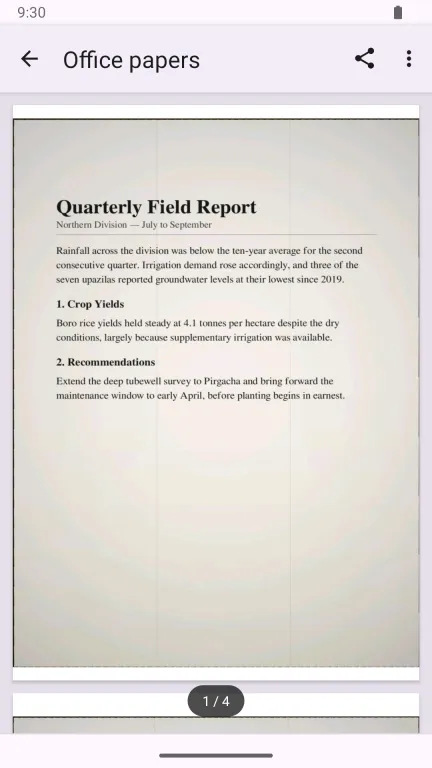
Scan a page: the camera outlines it before you take the photo Straighten and crop with automatically placed corners, and rotate Choose a look: Original, Magic Color, Grayscale or Black & White Correct the recognised text, copy it, or read the page again in the other language Save as PDF or as Microsoft Word (.docx) Build multi-page documents and drag pages into order Import photos from your gallery, one or many at once Leave a document unfinished and continue it later Keep files in folders; search, rename, move, share or delete them Open your PDFs right inside the app Light and dark theme, in Bangla or English
How it's built
A native Android app written in Java. CameraX drives the camera and OpenCV finds and flattens the page. Bangla is read by neural models running on ONNX Runtime — a detector finds each word, then PARseq reads the Bangla and PP-OCR the English, and the more confident reading wins; Tesseract stays as a fallback. English pages go to ML Kit. Every model ships inside the app, so recognition needs no internet. PDF and Word files are written on the device. Firebase reports crashes; AdMob serves the ads.
Read the privacy policy.